❓What is Photo Editing in Photoshop?
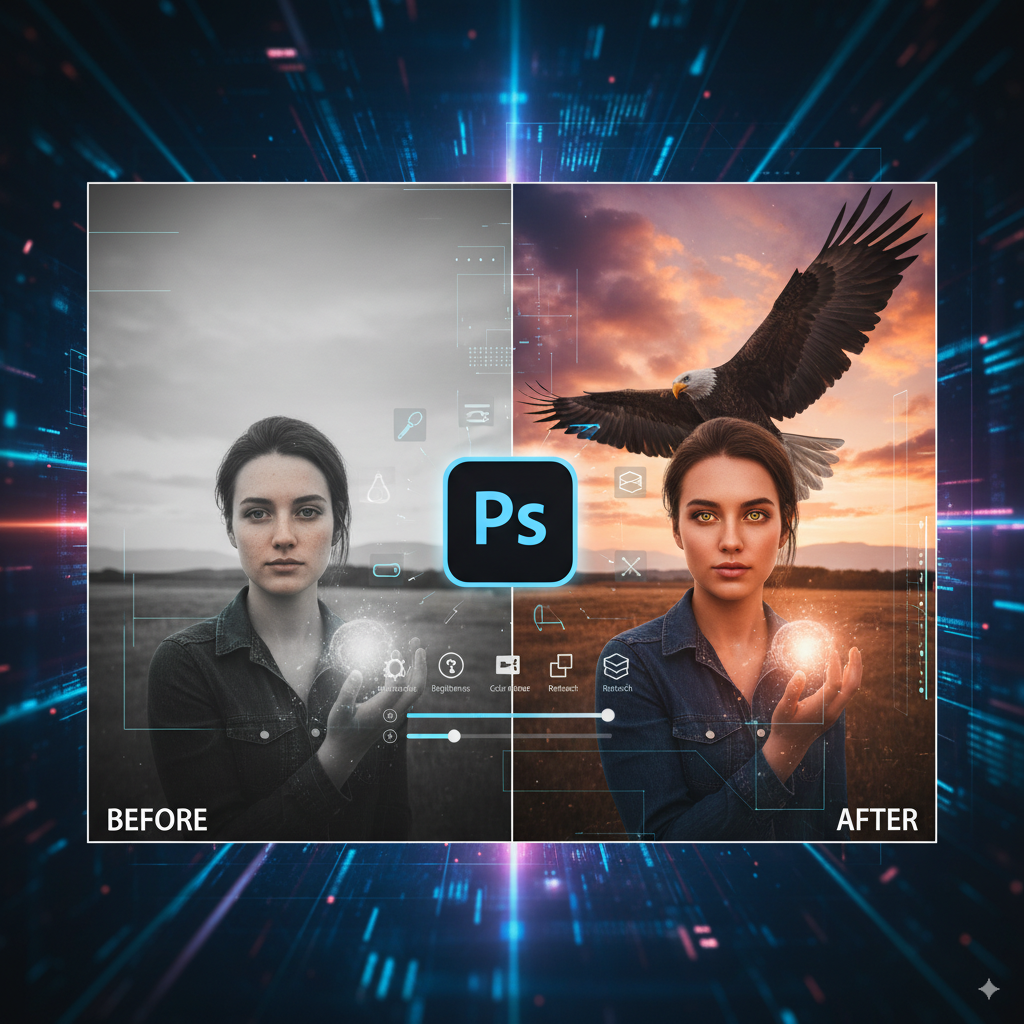
👉 Photo editing in Photoshop means improving or modifying images using tools like crop, retouch, color correction, filters, and layers. Photoshop is widely used by photographers, designers, and editors to make photos look professional and creative.
❓ How can beginners start photo editing in Photoshop?
👉 Beginners should start with basic tools like:
-
Crop & Straighten – to cut unwanted parts
-
Brightness & Contrast – to adjust lighting
-
Spot Healing Brush – to remove pimples, dust, or marks
-
Layers – to edit without damaging the original photo
❓ What are the best Photoshop tools for photo editing?
👉 Some of the most useful tools include:
-
Healing Brush & Clone Stamp (for retouching)
-
Dodge & Burn (for light/dark adjustments)
-
Pen Tool (for cutouts & selections)
-
Adjustment Layers (for color correction)
❓ Can I do professional editing in Photoshop?
👉 Yes. With Photoshop you can:
-
Retouch portraits for social media and photography
-
Edit product photos for e-commerce websites
-
Create digital posters and advertisements
-
Do advanced color grading and photo manipulations
❓ How long does it take to learn Photoshop photo editing?
👉 If you practice daily, you can learn basic editing in 2–4 weeks, and with advanced practice (retouching, composites, advertising design), it may take 2–3 months.